Setting Up Your Virtual Classroom: Essential Equipment & Pro Tips
By Ayo Bamgbose ACIM, Assoc CIPD, MA, MSc, BSc
Having spent nine years in the online space, teaching in Facebook groups, hosting Zoom sessions, and facilitating online private spaces, I've witnessed the evolution of online training and development firsthand.
My virtual setup and equipment game have stepped up a notch or two throughout these years. In this week's article, I wanted to provide guidance for those considering teaching online or who have already started but are unsure of what they need.
This one is for you: Welcome to the world of virtual teaching! Whether you're transitioning from traditional classroom settings or starting fresh in the online education realm, setting up your virtual classroom is crucial for creating an engaging and effective learning environment.
This guide will walk you through the essential equipment and provide pro tips to help you elevate your online teaching game. So, let's get started.
Background
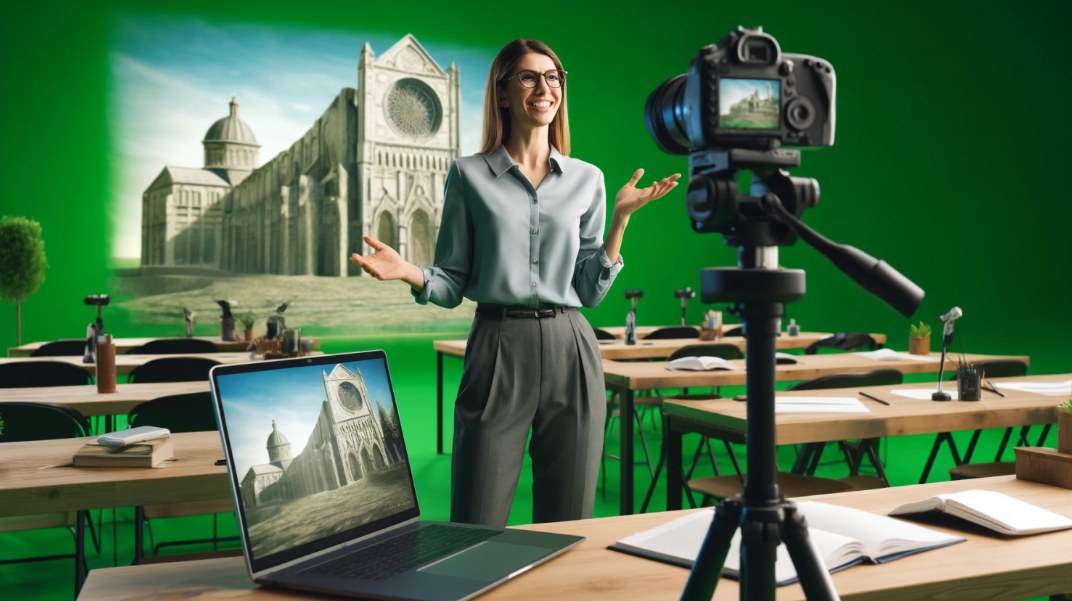
First up, let's talk about the magic of green screens. A green screen is a backdrop that allows you to replace the background with any image or video during your online classes. It's like bringing your students on a virtual field trip! Here's a recommended green screen from Amazon:
Background Considerations:
Choose a clutter-free and visually appealing background for your online classes. Consider using a virtual background or setting up a designated teaching area with relevant visual aids or decorations to create a professional and engaging atmosphere.
Sound (Microphone)
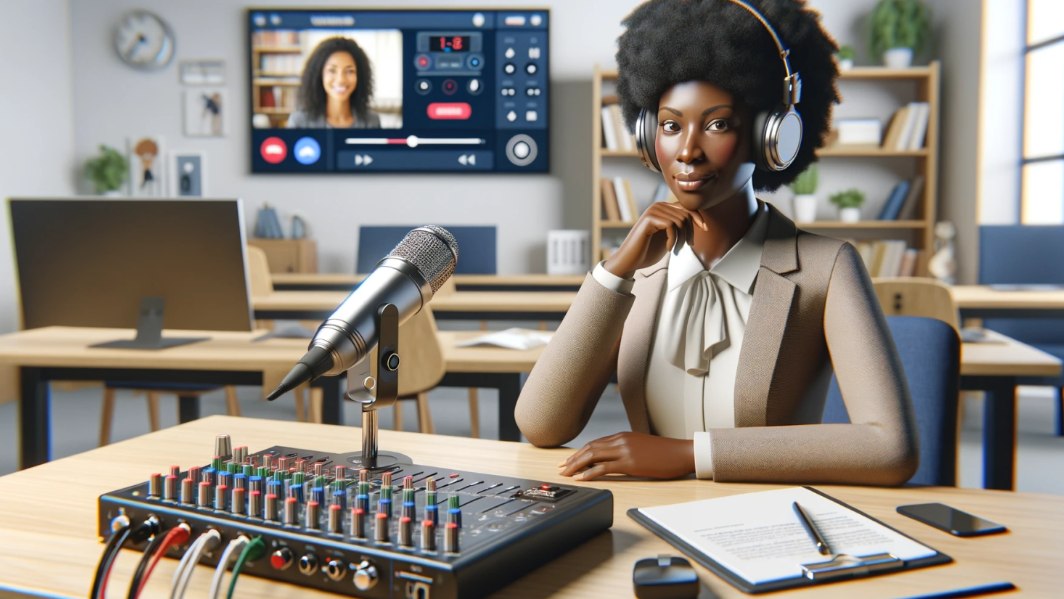
Next, let's amplify your voice with top-notch microphones. The Blue Yeti is a popular choice for its crisp audio quality. Additionally, condenser microphones with USB connectivity should be considered for convenience. Here are a few options to explore: [list of recommended microphones].
Consider adding a popular microphone filter to reduce plosive sounds and enhance audio clarity. A sturdy microphone stand keeps your mic in place, while a clip-on lav mic offers flexibility in movement.
A quality headset is essential for crystal-clear communication. It helps eliminate background noise and ensures your voice comes through loud and clear.
If you're dealing with laminate flooring or any hard surfaces, be mindful of sound reflections. Consider placing a rug or sound-absorbing material on the floor to minimise echo and improve audio quality. This simple adjustment can make a big difference in the clarity of your recordings and live sessions.
Lighting
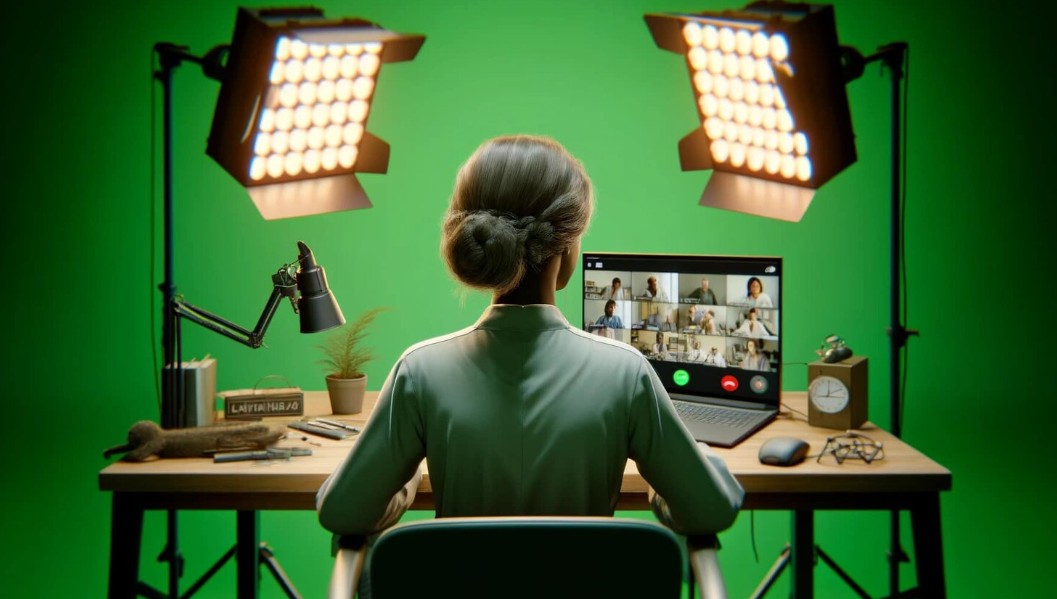
Adequate lighting is essential for creating a professional and engaging online teaching environment. Good lighting not only enhances the visibility of your teaching materials but also ensures that you are clearly visible to your students, making for a more immersive learning experience.
Natural Light vs. Artificial Lights:
Natural light can provide soft, diffused lighting that is flattering and easy on the eyes. Positioning your setup near a window allows you to harness the benefits of natural light, providing a bright and refreshing atmosphere for your virtual classroom. However, natural light can be inconsistent and dependent on factors such as weather and time of day.
Conversely, artificial lights offer consistency and control over your lighting environment. Ring lights and box lights are popular choices among online educators because they provide even and adjustable lighting.
Ring Light

A ring light is a circular light source that surrounds the camera, casting a soft and uniform glow on the subject. It helps eliminate harsh shadows and highlights, resulting in a flattering and well-lit appearance on camera. Ring lights are especially effective for close-up shots and video conferencing, making them a valuable addition to your virtual teaching setup.
Box Lights:
Box lights, also known as softbox lights, are larger lighting fixtures that diffuse light through a translucent panel, creating a soft and natural-looking illumination. They are versatile and can be adjusted to control the intensity and direction of light, allowing you to customise your lighting setup to suit your teaching style and environment.
Pro Tip: Experiment with different lighting setups and angles to find the most flattering and effective lighting for your virtual classroom. Consider using a combination of natural and artificial lights to achieve optimal brightness and clarity. Additionally, be mindful of glare and reflections, and position your lights strategically to minimise distractions for your students.
Webcam and Camera
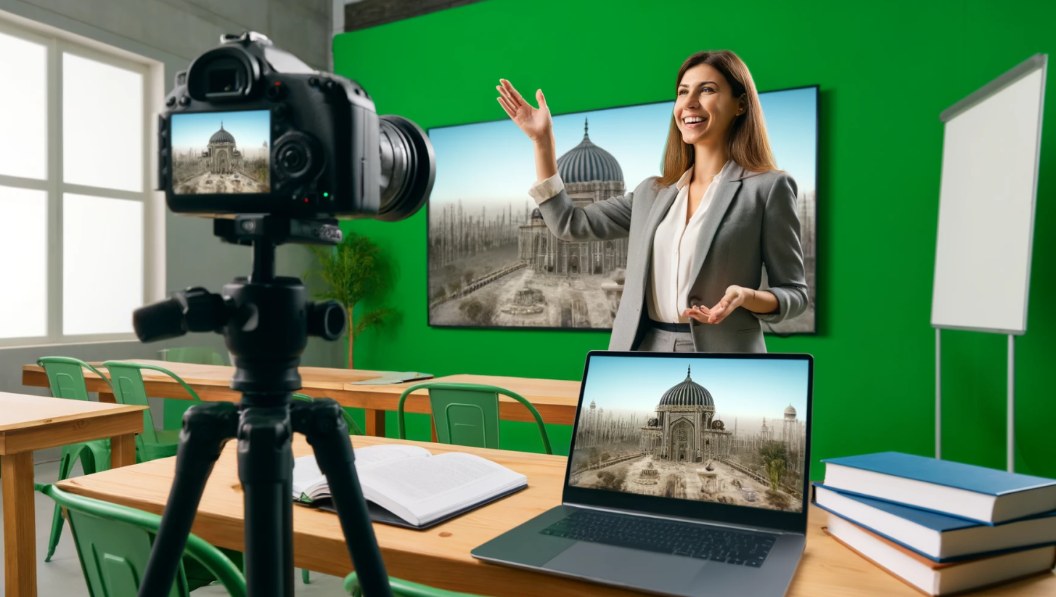
For a reliable webcam option, the Logitech C920 is a popular choice known for its high-definition video quality and affordability. It's perfect for capturing crisp and clear visuals during your online classes.
If you're looking to take your video production to the next level, consider investing in an external camera. The Sony ZV-1 is a top-notch option many content creators favour for its exceptional image quality and advanced features. Its compact design and superior performance make it a great choice for professional-looking videos.
Additionally, here are a few more external camera options to consider:
Canon EOS M50: Known for its superb autofocus capabilities and versatility, this mirrorless camera is ideal for capturing dynamic visuals.
Panasonic Lumix G7: With its 4K video recording capability and interchangeable lens system, this camera offers flexibility and stunning image quality.
GoPro Hero 9 Black: Perfect for capturing action-packed scenes and immersive footage, this rugged camera is great for adventurous teaching moments.
Other things to consider
Maximise your productivity with dual monitors on your desk. They allow you to multitask seamlessly, keeping all your teaching resources at your fingertips.
Internet Connectivity: Use a wired Ethernet connection whenever possible to ensure a stable internet connection. If Wi-Fi is the only option, position your router close to your teaching space to minimise signal interference and disruptions during classes.
Lastly, remember other essentials like a comfortable chair, a reliable internet connection, and a clutter-free workspace to keep your focus sharp.
Pro Tip:
Let's talk about taking your interactivity to the next level with a stream deck. A stream deck is a customisable control panel with programmable buttons that allow you to easily trigger actions during your online sessions, such as switching scenes, launching applications, or playing sound effects. It's like having a command centre at your fingertips!
For recommendations, the Elgato Stream Deck is popular among content creators for its versatility and ease of use. Its sleek design and intuitive interface make it a game-changer for adding dynamism to your online teaching sessions.
By equipping yourself with the right tools and implementing these pro tips, you'll be well on your way to creating a dynamic and engaging virtual classroom experience for your students. Embrace the possibilities of online teaching and watch as your educational journey flourishes in the digital realm. With these essentials in place, you're all set to create an immersive and engaging learning experience for your students from the comfort of your home!